Email reliability
Supporting dependable business communication and resolving email-related operational concerns.

Explore anonymised examples of ITNetFix projects covering Microsoft 365, nationwide device management, ongoing IT support for software teams, and complex office IT relocations.
This Australian business is the subject of an anonymised ITNetFix case study. As its operations grew, the business needed more dependable email, stronger protection of business data, and more consistent management of devices and updates.
ITNetFix's published case study describes work across Microsoft 365, identity and access management, endpoint management, backup and ongoing IT support.
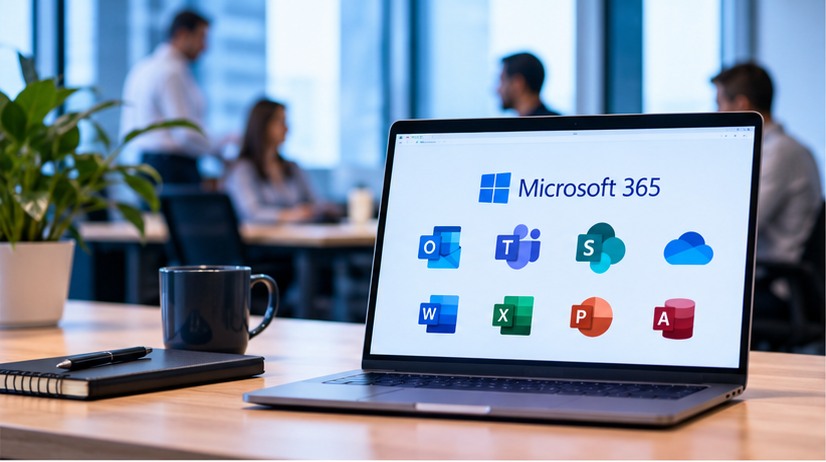
Supporting dependable business communication and resolving email-related operational concerns.
Strengthening the approach to protecting business information and managing access.
Improving the consistency of how business devices are administered.
Establishing more regular software updates and endpoint protection practices.
Rather than treating each concern as a separate issue, the project addressed the connected systems that staff rely on every day.
Setup, configuration and ongoing administration.
Managing user identities and access to business systems.
Mobile device and endpoint management.
Business email support and management.
Supporting business data security and backup practices.
Patch management and malware protection.
The original ITNetFix case study reports the following results. No performance percentages or financial savings are claimed.
Need assistance with Microsoft 365, devices, cybersecurity or ongoing IT support? Explore how ITNetFix can help.
ITNetFix provides end-to-end device storage, preparation, employee onboarding, deployment, support and end-of-life coordination across Australia.
A multi-location organisation required a reliable Australian IT partner to manage workplace devices throughout their operational lifecycle.
ITNetFix stores laptops, desktops, monitors and mobile devices in dedicated storage. When the organisation needs equipment for a new employee, the team prepares and onboards the device, then dispatches it to the required customer location — including Sydney, Melbourne, Brisbane and other locations across Australia.
The service continues after delivery, with device issue handling, warranty coordination, licensing, reporting, offboarding and retirement.
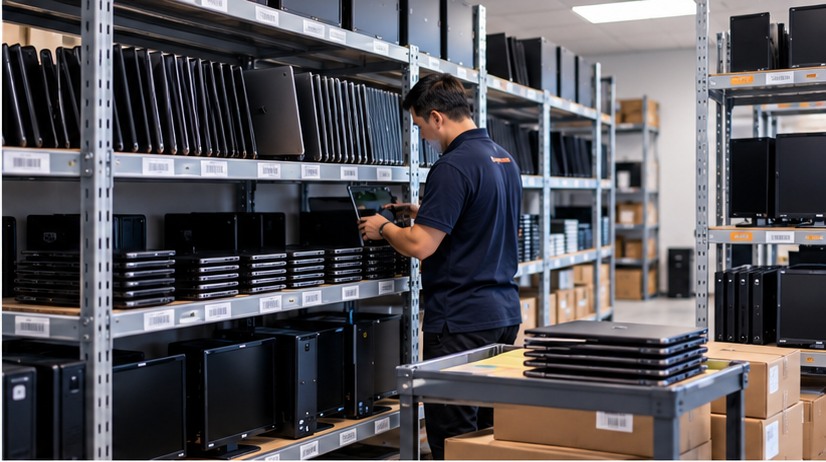
Dedicated ITNetFix storage for laptops, desktops, monitors and mobile devices.
Prepare and configure equipment for new employees before dispatch.
Ship prepared devices to users and locations across Australia.
Handle day-to-day device issues and coordinate return of equipment when required.
Manage device warranty processes and software licence administration.
Coordinate device return and handling when employees leave or change roles.
Manage retired equipment and coordinate recycling at the end of its useful life.
Provide day-to-day reporting to help the organisation track device management activity.
With ITNetFix coordinating storage, preparation, dispatch, support and returns, the organisation has a single operational partner for many of the practical tasks involved in managing employee devices across Australia.
The engagement illustrates ITNetFix's ability to support a distributed workforce over the long term — not just deliver one-off IT projects.
From the first day of employment to device retirement.
An Australian software development business needed a dependable IT partner to take care of employee devices, onboarding, day-to-day assistance and equipment logistics — so its team could focus on building software.
Supporting a busy software team involves more than fixing computers. Employees need properly configured equipment, timely access to applications, practical assistance when problems arise, and a smooth process when people join or leave.
The business also needed help with purchasing, storing, allocating, configuring and delivering laptops, desktops, monitors and other IT equipment for new staff and projects.

Preparing devices and assisting with IT setup for new starters, plus device and access-related tasks when employees leave.
Day-to-day assistance by phone, email and approved chat platforms such as Slack or Microsoft Teams.
Resolving issues remotely when practical and attending the office when hands-on support is required.
Installing and removing business applications and assisting users with related IT requests.
Purchasing, configuring and delivering laptops, desktops, monitors and other required equipment for employees and projects.
Coordinating device storage, allocation, preparation and transportation as part of an integrated support service.
By coordinating purchasing, device logistics and support through one provider, the customer can spend less operational effort managing IT equipment and employee technology requests. This is a description of the service model, not a quantified performance claim.
ITNetFix supported an office IT relocation project for a financial services business, bringing equipment and infrastructure from multiple office locations together in a new consolidated workplace.
The project required assessment of the existing office IT environment and careful planning to relocate equipment from multiple locations into one office.
The scope included physical equipment, network connectivity, server racks, routers, switches, desktops, monitors, wireless access points and meeting-room telephony equipment.
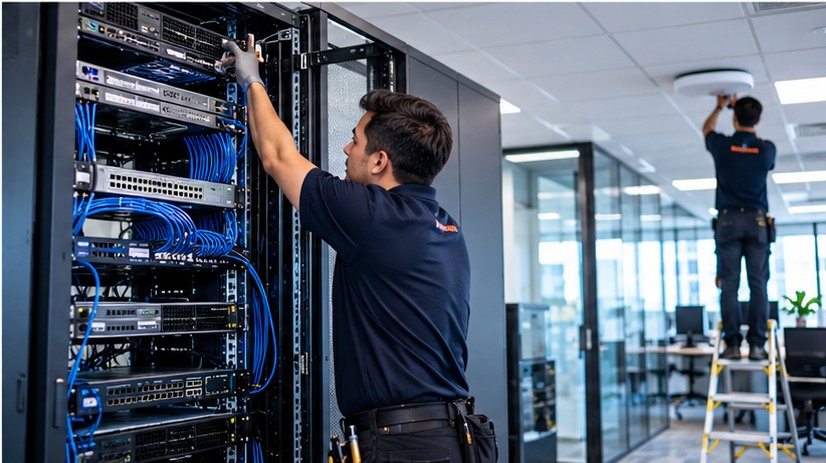
Reviewed the office IT systems and equipment to plan the move into the new workplace.
Removed and relocated desktops, monitors, network equipment and other IT assets from the former office locations.
Consolidated server racks, routers and switches from multiple offices into the new site.
Installed and connected the physical network infrastructure required for the new office environment.
Set up wireless network connectivity and access points at the new location.
Set up meeting-room technology and telephony equipment to support day-to-day office operations.
The project brought dispersed office IT equipment and network infrastructure into one workplace, creating a consolidated environment for the business to operate from. No downtime, cost-saving or performance figures are claimed.
Tell us about your IT challenges. We can discuss practical options for support, security and Microsoft 365 management.